

Ensure stable and efficient power delivery with our premium selection of power supply units (SMPS) for HP, Dell, and Lenovo desktops.
Showing 1–16 of 501 results

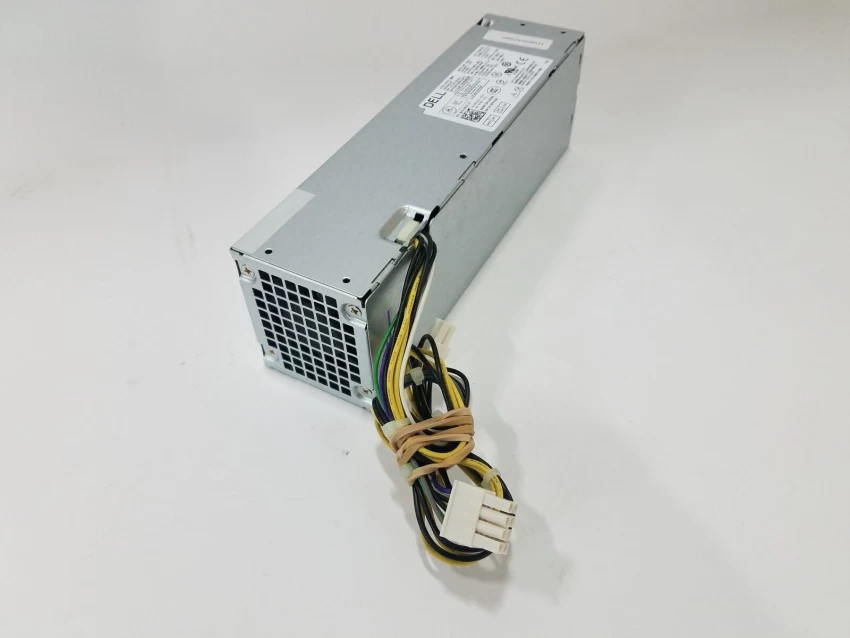
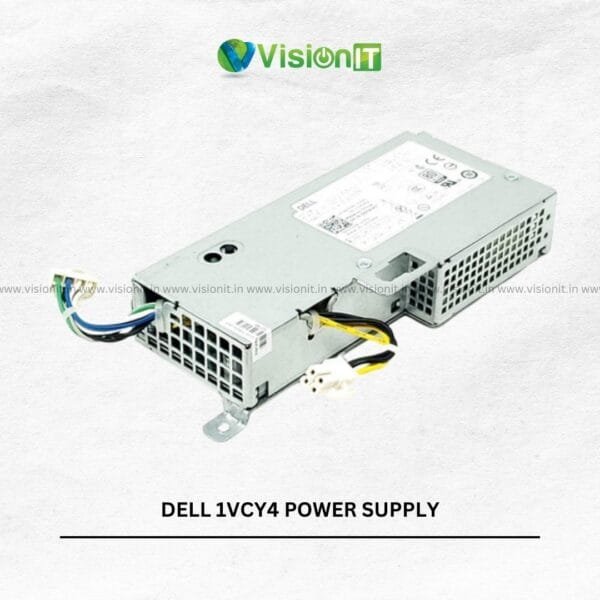
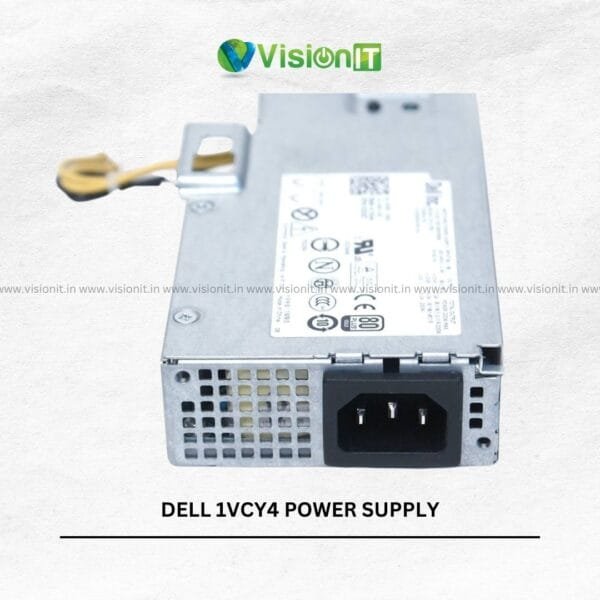
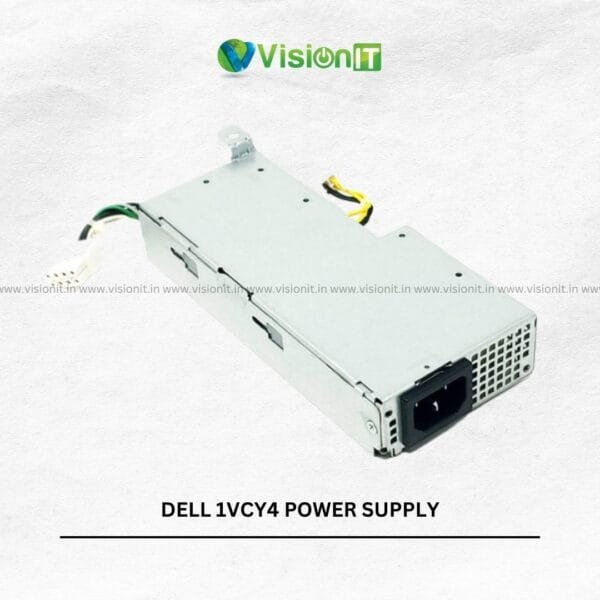

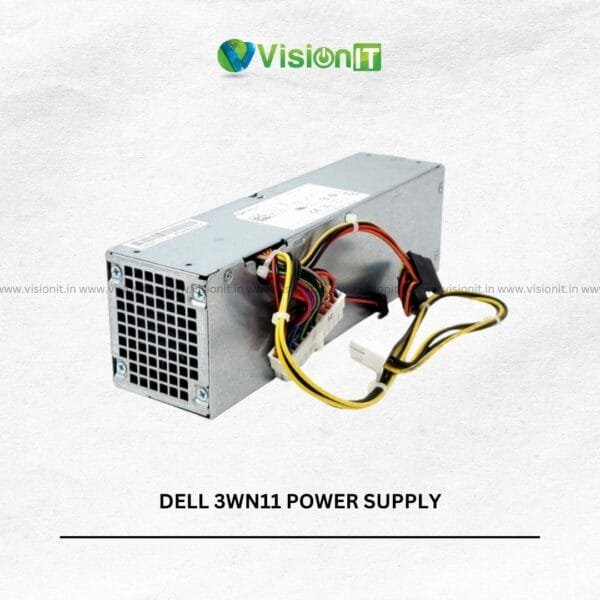


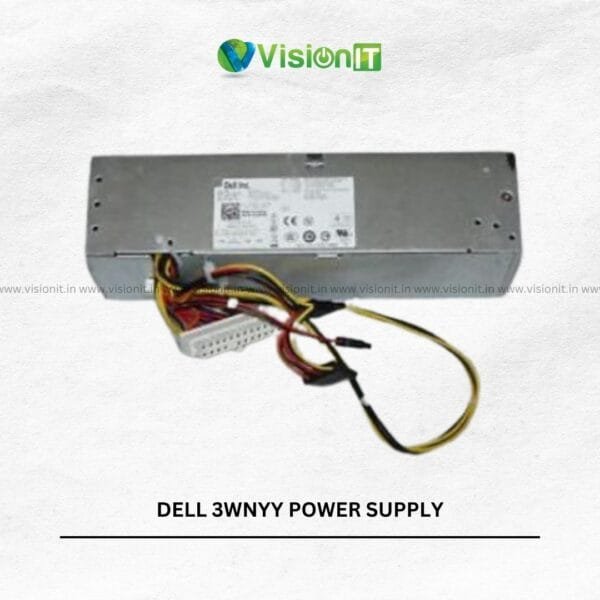
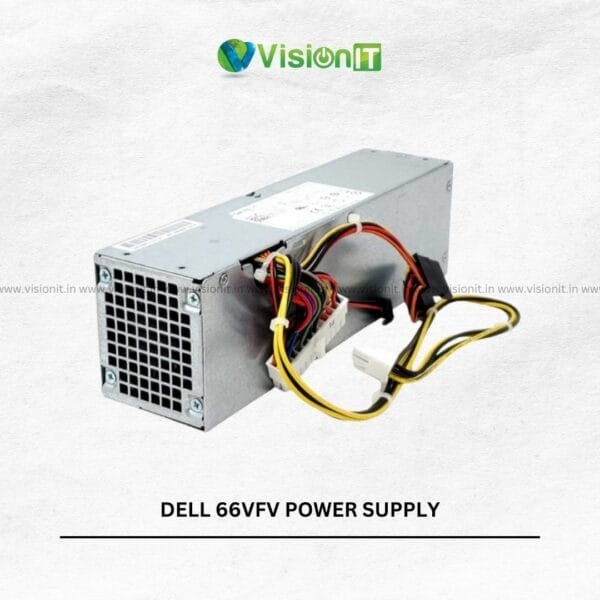

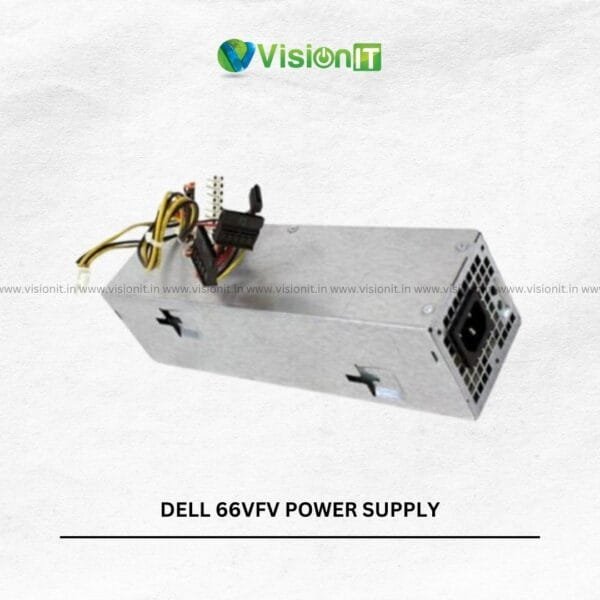
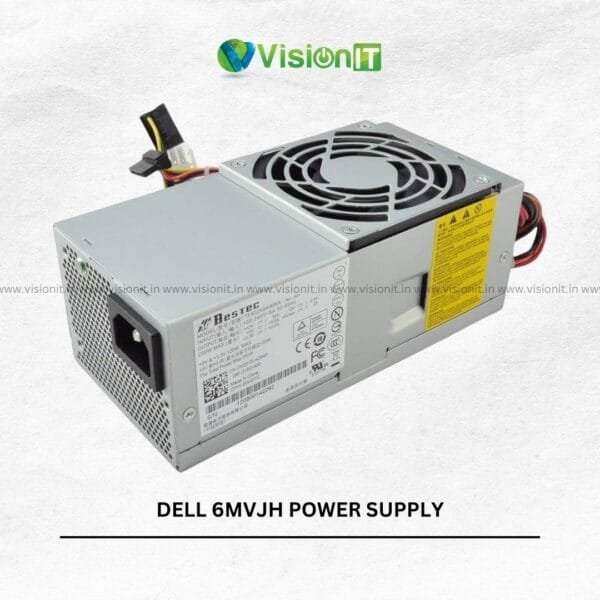

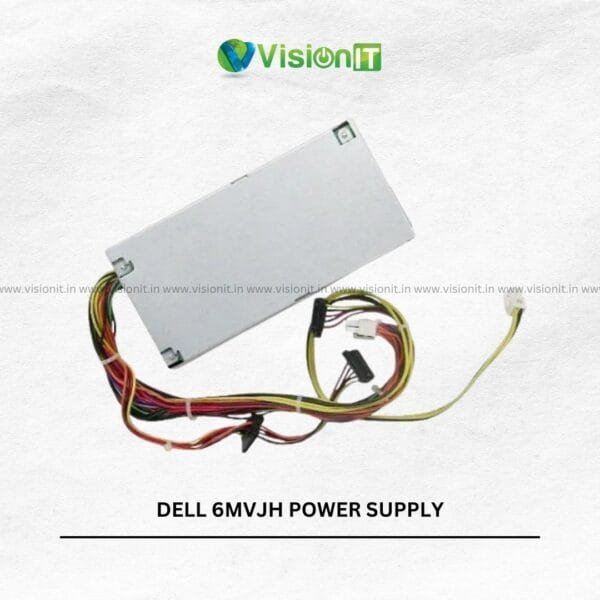
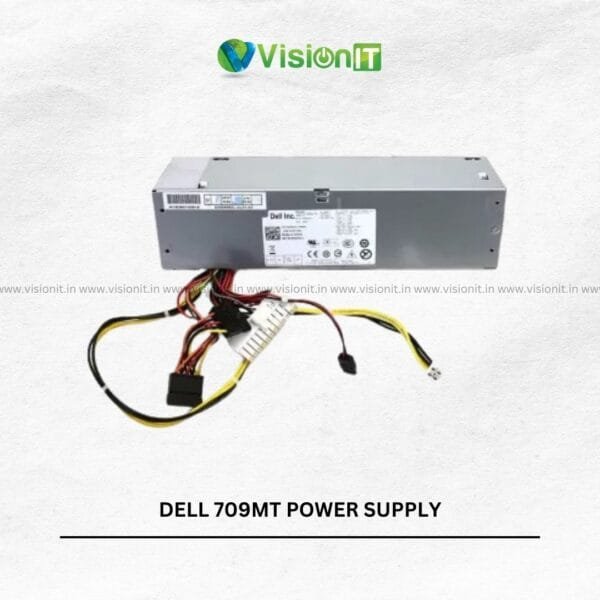

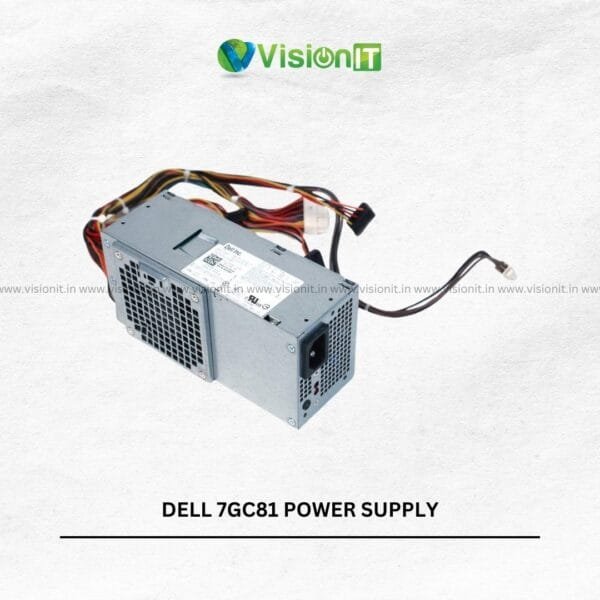


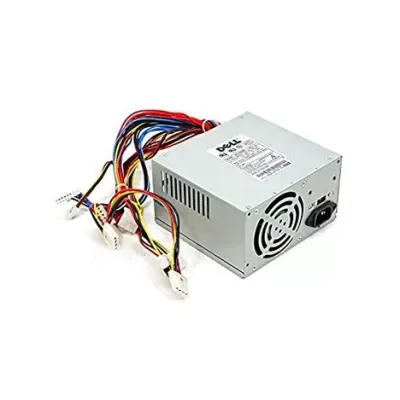

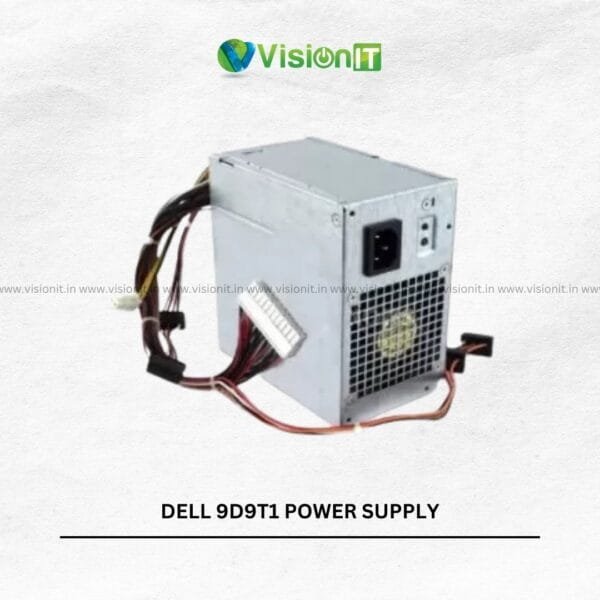
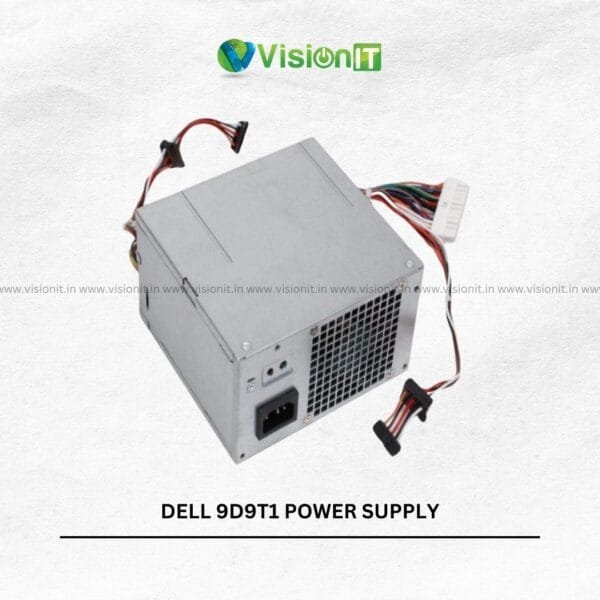
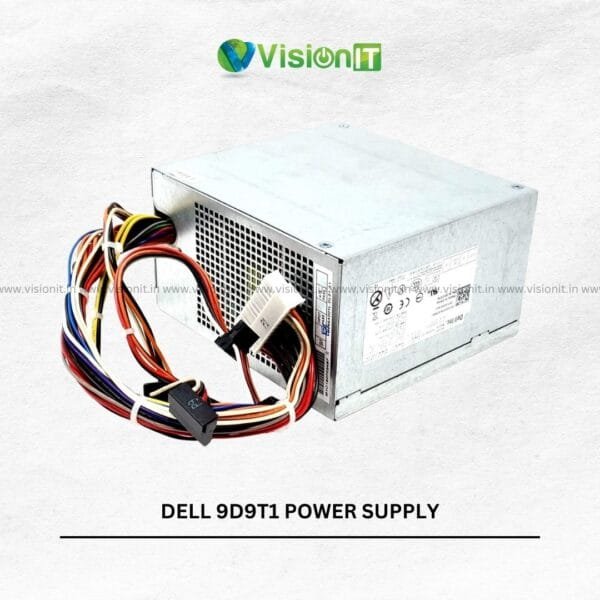


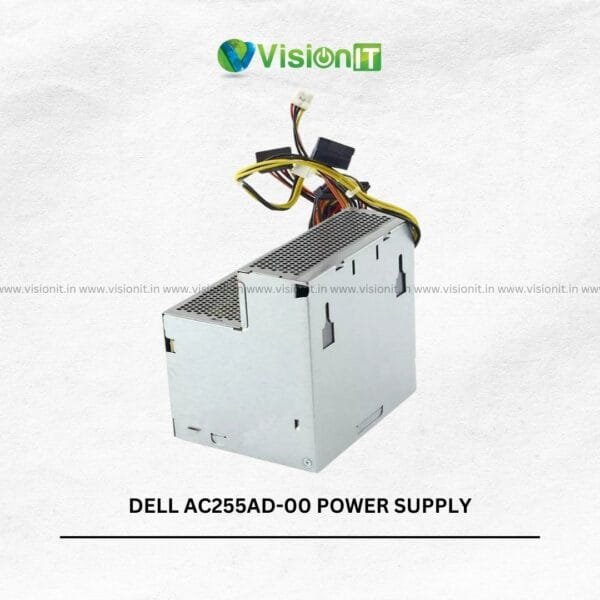
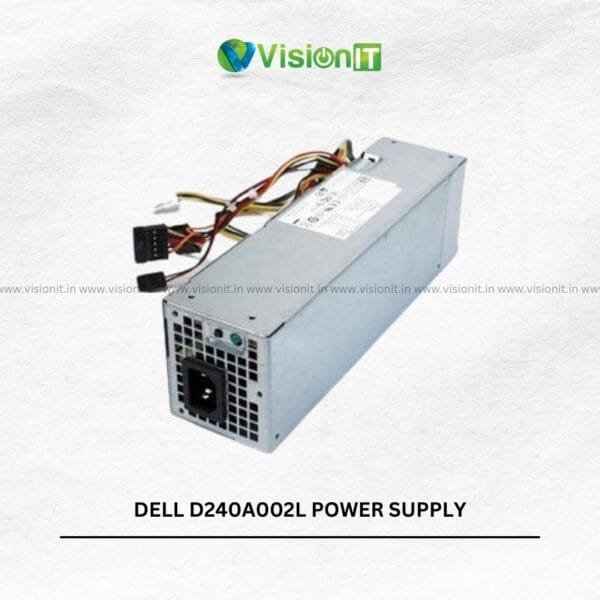


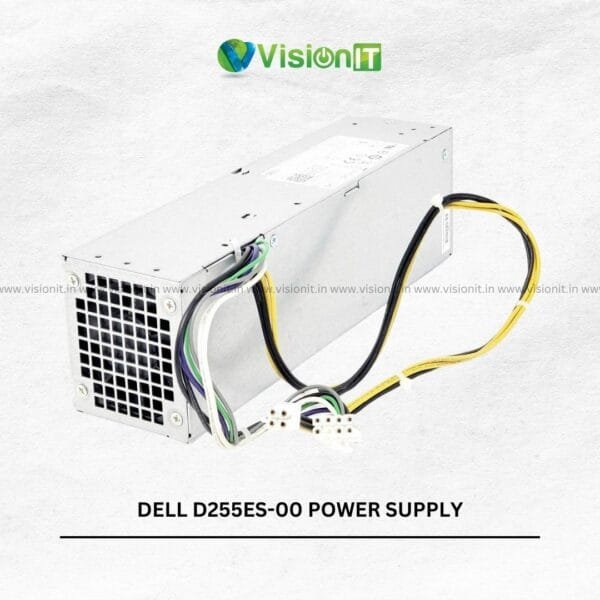

SMPS for Desktop – HP, Dell & Lenovo Power Supply
Need a replacement power supply for your desktop? Vision IT offers SMPS for desktop computers from HP, Dell and Lenovo, covering a wide range of business PCs, workstations and OEM desktop systems. The range includes power supplies for systems such as Dell OptiPlex Power supply and Vostro, HP EliteDesk Power supply and ProDesk, and Lenovo ThinkCentre Power supply and ThinkStation.
Whether you are replacing a failed PSU, repairing an office PC or maintaining multiple desktop systems, choose the power supply by brand, model, part number, wattage, form factor and connector configuration.
Product Overview
A desktop SMPS, or switched-mode power supply, converts incoming AC power into the DC power required by your computer’s internal components.
The right desktop power supply helps provide stable power to the motherboard, processor, memory, storage and other connected components. However, OEM desktops often use model-specific power supplies, so selecting a PSU by wattage alone can lead to compatibility problems.
Vision IT’s category includes 501+ products, giving customers a broad selection of HP, Dell and Lenovo desktop power supplies.
Best For – Who Should Buy This SMPS?
This category is useful for customers who need a replacement or additional power supply for an OEM desktop.
Office & Business PCs
Replace a faulty power supply in office desktops and restore reliable day-to-day computing.
IT Repair Professionals
Repair centres and technicians can source model-specific desktop SMPS units using the relevant part number or system model.
System Administrators
IT teams managing multiple HP, Dell or Lenovo desktops can find replacement power supplies for supported systems.
Home Users
If your desktop suddenly stops powering on or experiences repeated shutdowns, a faulty PSU may be one possible cause.
Workstations
Professional workstations can require higher-capacity or model-specific power supplies. Always check the exact workstation model and required specifications.
Resellers & IT Businesses
The category also supports customers sourcing multiple desktop power supplies for business and IT requirements. The current category specifically mentions bulk requirements for businesses, repair centres, resellers and educational institutions.
HP Desktop SMPS
Vision IT offers power supplies for selected HP desktop and workstation systems.
The range includes power supplies for HP business and professional platforms, including EliteDesk, ProDesk and Z-series workstations, depending on the available model.
Some HP power supplies are identified by specific part numbers. For example, the category includes HP Compaq supplies carrying part numbers such as 166572-001, J4119A, 613663-001 and 611479-001.
When replacing an HP desktop SMPS, match the part number, desktop model, wattage, connector type and physical design before ordering.
Dell Desktop SMPS
The category includes a broad selection of Dell desktop power supplies for systems such as OptiPlex and Vostro.
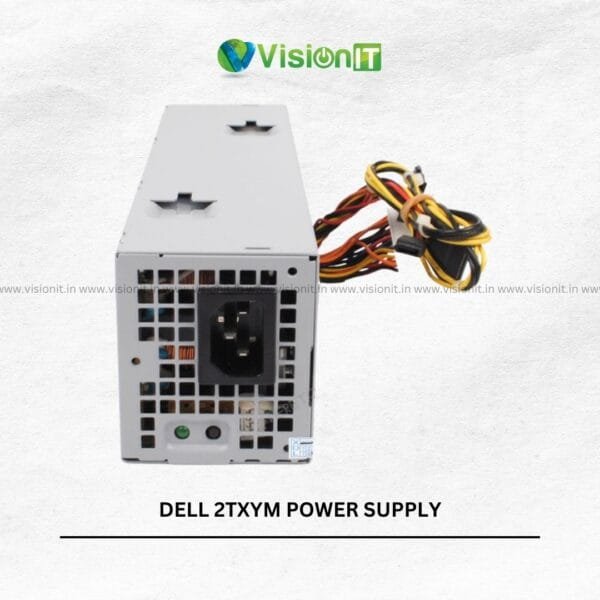
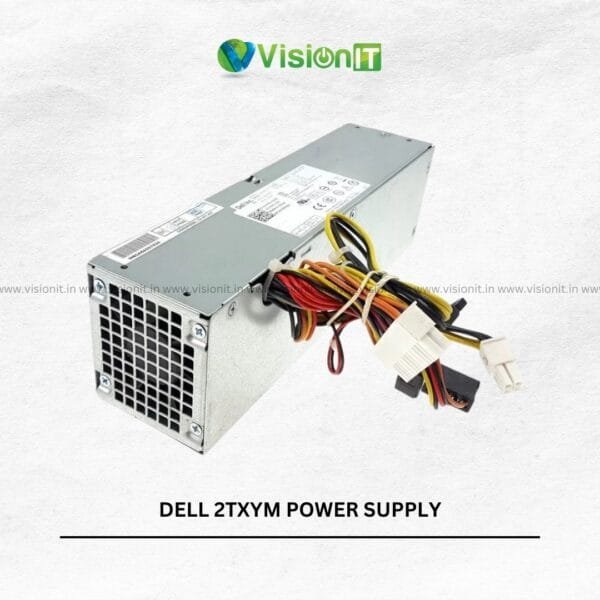
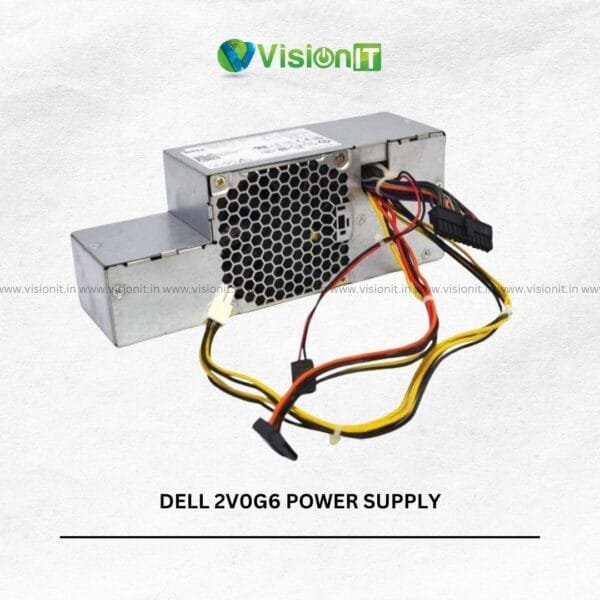
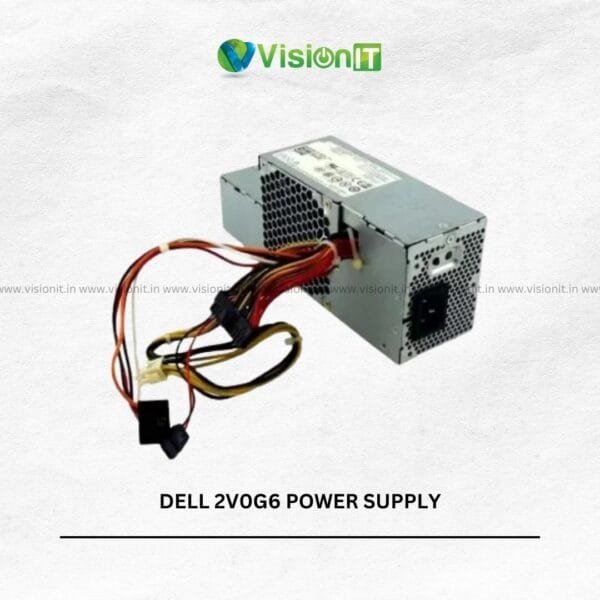
Examples include Dell power supply part numbers such as 077GHN, D250AD-01, OPDF9N, 1VCY4, 2TXYM, 2V0G6, 3WN11 and 7GCDH, among many others.
Dell desktops can use different PSU designs depending on the model and chassis. Therefore, always match the exact Dell part number or system model before purchasing.
Lenovo Desktop SMPS
Vision IT also offers Lenovo desktop power supplies for supported ThinkCentre, ThinkStation and other Lenovo systems.
Available products can include specific Lenovo part numbers such as 36-001695, 36-001732, 45J9431 and PS-5241-02.
For Lenovo systems, check the desktop model, PSU part number, wattage and connector configuration before ordering.
How to Choose the Right Desktop Power Supply
Choosing a PC power supply is more than checking the wattage.
Check the Brand
Start with the desktop manufacturer: HP, Dell or Lenovo.
Check the Desktop Model
Find the exact model printed on your desktop or system label.
Check the Part Number
The PSU part number is often the most useful identifier for finding a replacement.
For example, a Dell or Lenovo power supply may have several compatible-looking alternatives. Matching the original part number can reduce the risk of ordering the wrong unit.
Check Wattage
Power supplies can have different output ratings, including models around 180W, 240W, 250W, 280W and 320W within the current category.
However, do not select a PSU based on wattage alone. The connector layout and physical design also matter.
Check Form Factor
OEM desktops can use different physical PSU formats.
Check whether your system uses an SFF, Mini Tower, Tower, MT or workstation-specific power supply before ordering.
Check Connectors
Compare the motherboard and peripheral power connectors with the replacement PSU.
A PSU with the correct wattage may still be unsuitable if the connectors or wiring differ.
Product Specifications to Compare
This approach helps you select a replacement SMPS for desktop based on the actual system rather than guessing from a generic PSU specification.
Signs You May Need a New Desktop SMPS
A failing power supply can produce several symptoms.
Common signs include:
- Desktop does not power on
- Computer suddenly shuts down
- System restarts unexpectedly
- Power button produces no response
- System becomes unstable under load
- PSU fan or power indicators behave abnormally
- Burning smell or unusual electrical noise
These symptoms can have other causes as well. Therefore, proper diagnosis is important before replacing the power supply.
SMPS for Desktop vs Standard ATX PSU
Not every OEM desktop uses a standard ATX power supply.
Many HP, Dell and Lenovo business desktops use proprietary or model-specific PSU designs. As a result, a standard ATX PSU may not be a direct replacement.
This is particularly important for compact systems such as small-form-factor desktops.
Always check the original PSU’s part number, dimensions, connectors and wattage before purchasing a replacement.
Pricing Value and Buying Advantage in India
The SMPS price in India depends on the brand, model, wattage, form factor, part number and availability.
A model-specific replacement can cost more or less than a standard PC PSU depending on its design and availability. Therefore, compare the complete specification rather than choosing only the cheapest power supply.
Buying the correct replacement can also be more economical than replacing an otherwise functional desktop.
For Indian customers, Vision IT provides shipping across India, while individual product listings provide specific delivery and return information. Current product listings state 3–5 working day delivery, shipping included for retail buyers, and seven-day returns where applicable.
Why Buy From VisionIT Peripherals?
Vision IT specializes in computer hardware, components and IT equipment for individual and business customers.
The category provides a large selection of HP, Dell and Lenovo desktop power supplies, making it easier to search by manufacturer and specific model or part number.
You can also explore related components through Vision IT Peripherals, including processors and CPUs, SSD and HDD storage, graphics cards and other desktop components.
For systems requiring licensed Microsoft software, Vision IT also provides Genuine Windows Licenses.
Vision IT can help customers identify a suitable power supply when they provide the desktop model, original PSU part number or existing PSU specifications.
We Also Sell
If you are repairing or upgrading a desktop, you may also need other components.
Vision IT offers:
- Desktop processors
- Desktop RAM
- SSD and HDD storage
- Graphics cards
- Motherboards
- Computer accessories
- HP, Dell and Lenovo components
- Genuine Windows Licenses
This allows customers to source multiple components for desktop repair, upgrade and maintenance requirements from one IT hardware supplier.
Frequently Asked Questions
What is an SMPS in a desktop computer?
An SMPS, or switched-mode power supply, converts AC electricity into the DC power required by the computer’s internal components.
Can I use any SMPS for my HP, Dell or Lenovo desktop?
No. OEM desktops can use model-specific power supplies. Check the desktop model, PSU part number, wattage, connectors and physical form factor before purchasing.
How do I find the right SMPS for my Dell OptiPlex?
Check the exact OptiPlex model and the part number printed on the existing PSU. Then compare wattage, connectors and physical design with the replacement.
Which SMPS is suitable for an HP EliteDesk?
The correct PSU depends on the exact EliteDesk model and chassis. Check the original PSU part number and specifications before ordering.
How do I choose a Lenovo ThinkCentre power supply?
Check the ThinkCentre model, original PSU part number, wattage, connectors and form factor. Lenovo systems can use different PSU configurations across generations.
What wattage SMPS do I need for my desktop?
The required wattage depends on the desktop’s original design and installed components. For OEM systems, matching the original PSU specification is usually a better starting point than choosing a generic wattage.
Can I replace an OEM SMPS with a standard ATX PSU?
Not always. OEM desktops may use proprietary connectors or physical designs. Verify the motherboard connectors and chassis requirements before making a replacement.
What are the signs of a faulty desktop power supply?
No power, unexpected shutdowns, random restarts and electrical symptoms can indicate PSU problems. However, other hardware faults can cause similar symptoms, so proper diagnosis is recommended.
Where can I buy HP, Dell or Lenovo SMPS in India?
You can browse HP, Dell and Lenovo desktop power supplies through Vision IT’s online category. The range includes model-specific and part-number-specific options.
Can I buy desktop SMPS in bulk?
Yes. The category supports bulk requirements for businesses, repair centres, IT resellers and educational institutions.
How can I check which SMPS I need?
Send your desktop brand, exact model and original PSU part number to Vision IT. These details can help identify the appropriate replacement.
Order Now – Find the Right Desktop SMPS
Looking for an SMPS for Desktop from HP, Dell or Lenovo? Browse the available power supplies and compare the brand, desktop model, part number, wattage, connectors and form factor before ordering.
If you are replacing a failed PSU, do not guess based on wattage alone. Instead, match the original part number and system specifications whenever possible.
Shop HP, Dell and Lenovo desktop power supplies from Vision IT and find the right SMPS for your PC.
